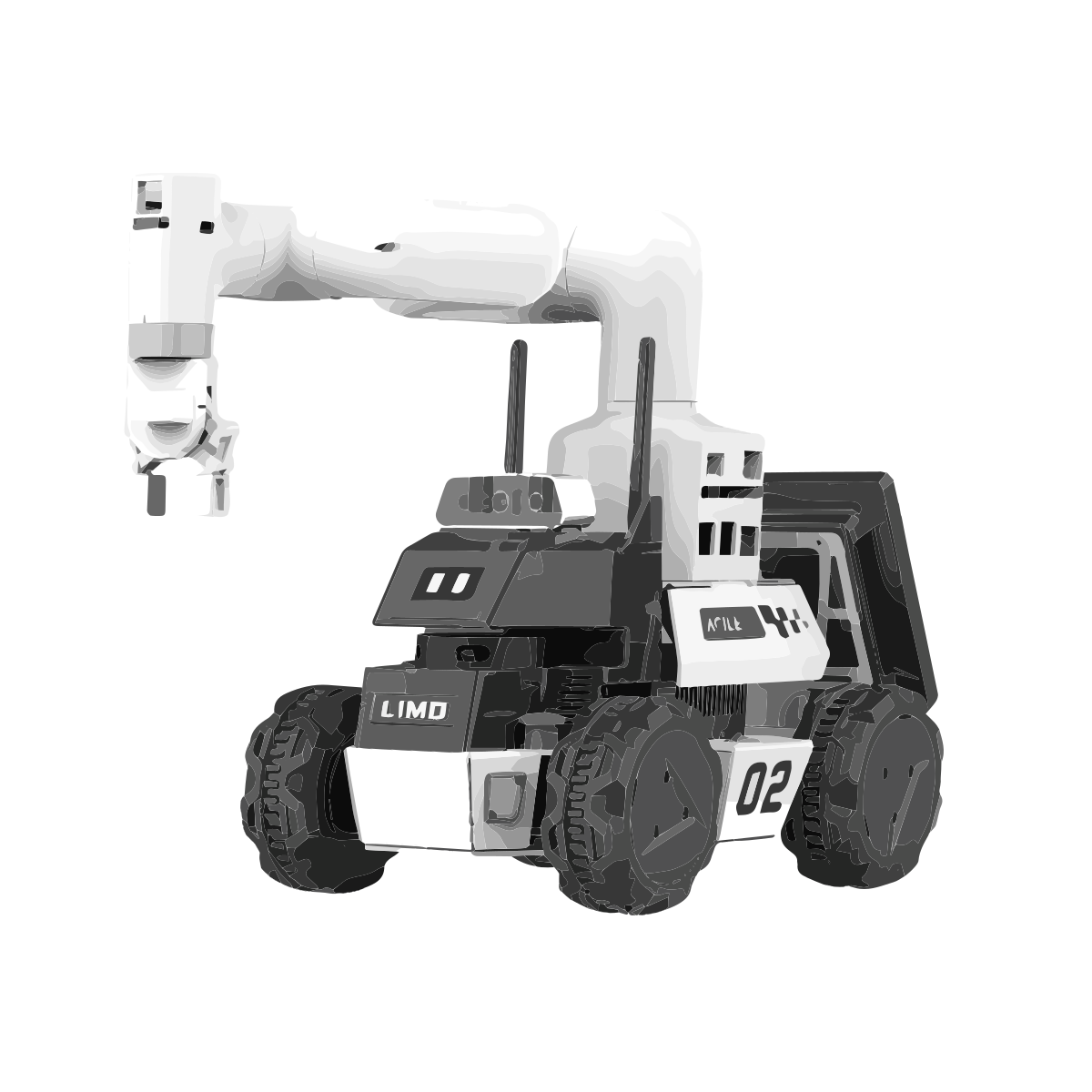
🟢 System Initialization
Seamlessly set up and launch the complete ROS2 workspace for LIMO Cobot with a single command. Hardware, drivers, and environment configuration are automated for a plug-and-play experience.
🚗 Autonomous Exploration
LIMO robot explores unknown environments using real-time SLAM, custom waypoints, and robust mapping. It navigates safely, performing rotational scans to ensure complete area coverage.
🟦 Real-Time 3D Object Detection
Integrated YOLOv8 object detection with depth cameras for precise 3D localization. Detected objects are transformed to map frame for actionable robotic responses.
✋ Intelligent Manipulation
MyCobot arm executes robust, wireless pick-and-place tasks with automatic pose detection and error handling. Full integration with voice feedback and timeout recovery ensures reliability.
🚀 Fully Autonomous Mission Logic
LIMO robot autonomously links all modules: explores, detects, navigates, picks, returns, and drops—no human intervention needed. Robust recovery and advanced launch sequencing make it production-ready.